







Gaming Chair Tilt Mechanism Guide: Types & Adjustments
A chair tilt mechanism is the assembly beneath a gaming or office chair seat. It is important in officie/gaming chairs, as it allows the seat and backrest to tilt or recline, depending on the design. It can also control rocking resistance and, on some models, lock the chair in a fixed or reclined position. These functions let you switch between an upright posture for focused work or gaming and a more relaxed position during breaks, without manually repositioning the chair each time.
Understanding how a gaming chair tilt mechanism works can help you use its adjustments better and choose a chair that suits your sitting habits. In this guide, we'll explain the common types of chair tilt mechanisms, how AndaSeat gaming chairs use different designs, and practical tips for adjustment, selection, and maintenance. Scroll down for detailed info!

- 1. How Does a Gaming or Office Chair Tilt Mechanism Work?
- 2. What Are the Different Types of Chair Tilt Mechanisms?
- 3. Learn Tilt Mechanisms in AndaSeat Gaming Chairs 🔥
- 4. How to Adjust a Gaming/Office Chair Tilt Mechanism
- 5. How to Choose the Right Chair Tilt Mechanism for You
- 6. Chair Tilt Mechanism Maintenance and Troubleshooting
- 7. FAQs About Gaming & Office Chair Tilt Mechanisms
- 8. Final Words
How Does a Gaming or Office Chair Tilt Mechanism Work?
A gaming or office chair tilt mechanism is typically mounted beneath the seat, connecting it to the gas lift and supporting the chair's tilting movement. When you lean back, the mechanism pivots around a designed point, allowing the seat, backrest, or both to move depending on the chair's design. Internal springs resist your body weight, while control levers engage or release the tilt function. Some mechanisms also allow you to lock the chair in an upright or reclined position.
Although the controls may look similar, they serve different purposes:
| Adjustment | What It Does |
|---|---|
| Tilt Tension | Changes how much resistance you feel when leaning back. |
| Tilt Lock | Locks or releases the tilting movement, depending on the mechanism's design. |
| Seat Height Adjustment | Raises or lowers the seat by controlling the gas lift. |
These functions work together but are not interchangeable. Tilt tension affects how easily you recline, tilt lock controls whether the chair can tilt, and seat height adjustment changes your sitting height. The exact controls and available locking positions vary by chair model.
What Are the Different Types of Chair Tilt Mechanisms?
Gaming chairs and office chairs use different tilt mechanisms to control how the seat and backrest move when you lean back. Some designs differ in their pivot points, while others coordinate movement or offer more adjustment options.
- Center-Tilt Mechanism: This design pivots near the center of the seat, so the seat and backrest generally tilt together as you lean back. The front edge of the seat may rise during reclining, creating a straightforward rocking motion.
- Knee-Tilt Mechanism: With a pivot point closer to the front of the seat, near the knees, this design can reduce how much the front edge rises during reclining compared with many center-tilt designs. This may feel more comfortable for users who prefer less movement beneath their thighs.
- Synchro-Tilt Mechanism: This design coordinates seat and backrest movement, typically allowing the backrest to recline farther than the seat tilts. Some mechanisms use a 2:1 movement ratio, although the exact ratio varies by model.
- Multi-Function Tilt Mechanism: This design offers additional adjustment options, such as independent seat and backrest adjustments or locking at multiple positions. Available functions vary by model.
- Weight-Sensing or Self-Adaptive Tilt Mechanism: This design automatically adapts reclining resistance to the user's weight or movement, reducing the need to adjust tension manually with a knob. The specific method depends on the mechanism.
These general categories explain how chair tilt mechanisms differ in movement, adjustment options, and reclining resistance. However, manufacturers may use their own names for specific mechanism designs, and these names do not always correspond directly to a single industry-wide category. To see how these concepts translate into actual products, let's look at the tilt mechanisms used in AndaSeat gaming/office chairs, including their key features, adjustment controls, and compatible models.
Learn About Tilt Mechanisms in AndaSeat Gaming Chairs
AndaSeat gaming chairs use different tilt mechanism designs to support different adjustment needs. The Butterfly and Frog mechanisms feature manual controls for seat height, tilt locking, and reclining tension, while the X-Air Pro introduces a self-adaptive design that adjusts reclining resistance automatically. Knowing their differences can help you identify the controls available on each model and choose a chair that fits your preferences.
Butterfly Tilt Mechanism (Full-Tilt Mechanism)
Compatible models: Novis Series, Phantom 4 Series, Phantom 3 Series, and X-Air.
The Butterfly Tilt Mechanism, named for its butterfly-shaped metal plate, is used in several AndaSeat gaming chairs. It typically combines seat height adjustment, tilt lock/unlock control, and a manual tilt tension knob, allowing users to adjust the chair's height and rocking resistance independently.

Key features:
- Manual tilt tension adjustment: Use the tension knob to change how much resistance you feel when leaning back.
- Tilt lock/unlock: Engage or release the rocking function using the designated lever.
- Compact control design: Height and tilt controls are integrated into the mechanism beneath the seat.
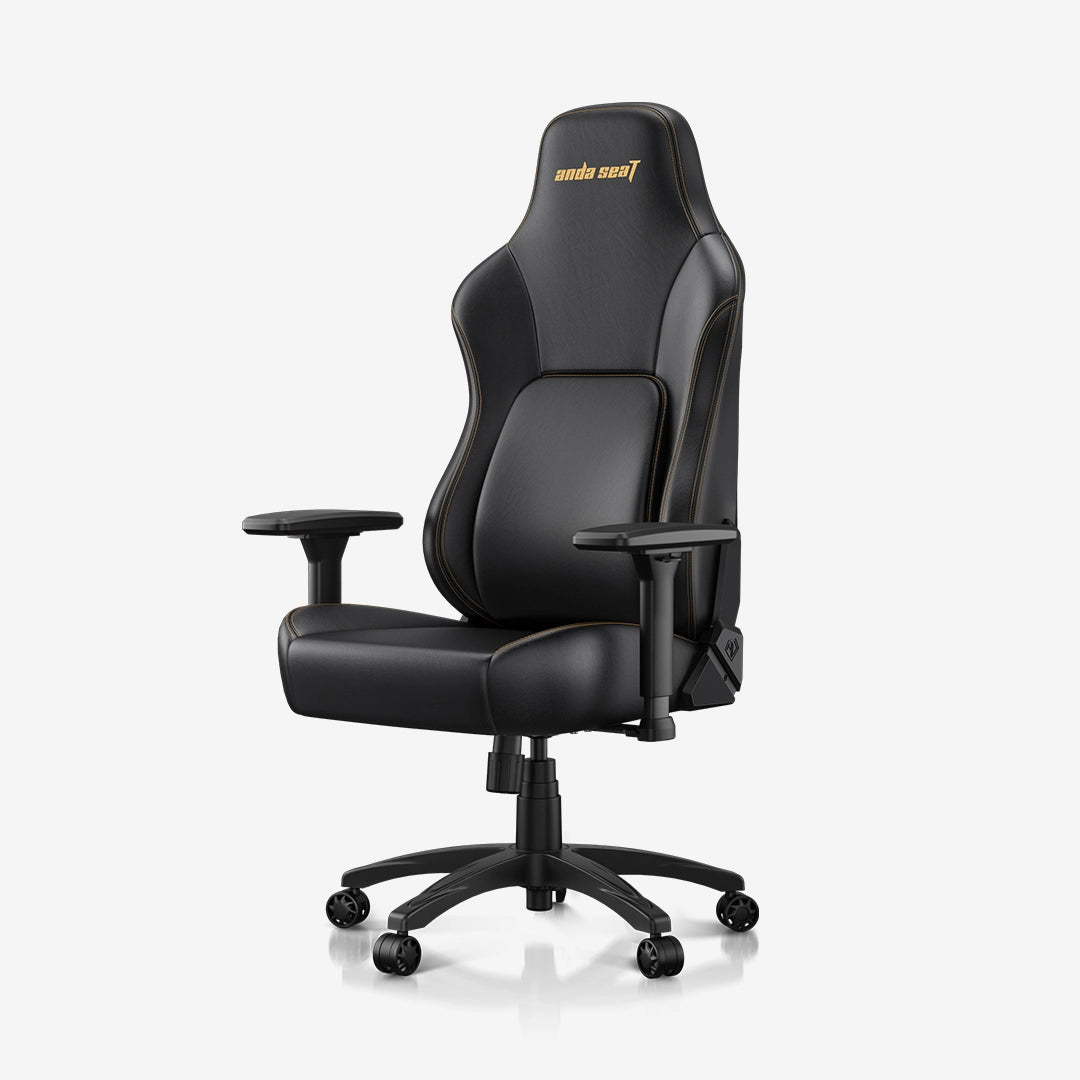
For example, the AndaSeat Novis Series offers an accessible option for users looking for essential chair adjustments, while the Phantom 4 Series combines this mechanism with a design suited to gaming and office use.

How to Adjust the Butterfly Tilt Mechanism
- Seat height: Operate the height lever to raise or lower the seat, following the instructions for your specific model.
- Tilt lock/unlock: Use the designated lever to engage or release the rocking function. The available locking positions depend on the model.
- Tilt tension: Turn the tension knob to increase or decrease reclining resistance. Make small adjustments and test the movement while seated.
Basic installation: Align the mechanism with the mounting holes beneath the seat and secure it using the specified screws. Then fit the gas lift into the mechanism's designated opening, following the product manual. If the mechanism or gas lift requires forceful removal or appears damaged, consult AndaSeat aftercare rather than attempting an unsafe repair.

Frog Tilt Mechanism
Compatible models: Kaiser 4 Series and Kaiser 3 Series.
The Frog Tilt Mechanism is used in several AndaSeat chair models, including the Kaiser Series. Its control layout typically features two levers and a tension knob, separating seat height adjustment from tilt locking and reclining resistance control.

Key features:
- Separate controls: Dedicated levers operate seat height and tilt locking, while a knob adjusts reclining resistance.
- Rocking and locking control: The tilt lever lets users engage or release the rocking function. Available locking positions depend on the specific design.
- Model-specific implementation: The control layout and adjustment range should be confirmed against the chair's instructions.
Explore the AndaSeat Kaiser 4 and Kaiser 3 Series to compare the available chair designs.


How to Adjust the Frog Tilt Mechanism
- Seat height: Operate the designated height lever according to the model's instructions.
- Tilt lock/unlock: Use the separate tilt lever to engage or release the rocking function.
- Tilt tension: Turn the knob to adjust reclining resistance gradually, testing the chair after each change.
Basic installation: Insert the control levers into their corresponding shafts, aligning the grooves and notches as instructed. Secure the mechanism beneath the seat with the specified screws, then fit the gas lift into its mounting opening. Always follow the model-specific assembly manual and avoid forcing components into place.
Self-Adaptive Tilt Mechanism
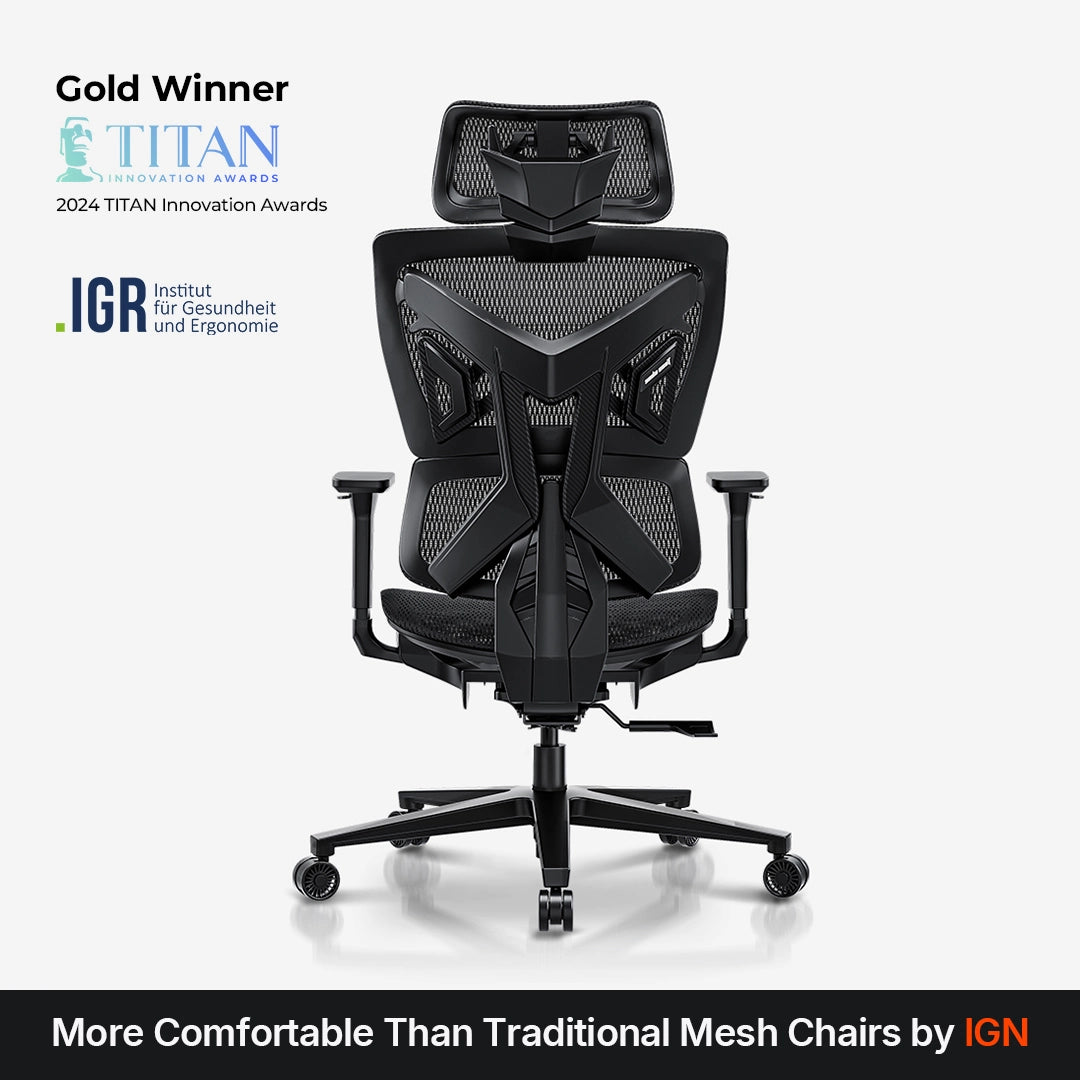
The self-adaptive tilt mechanism is featured in the AndaSeat X-Air Pro. Unlike a traditional mechanism that relies on a manual tension knob, this design automatically adapts reclining resistance to the user's weight. The X-Air Pro also features four tilt-lock positions, allowing users to secure the backrest at different angles.
The standard AndaSeat X-Air uses a Butterfly Tilt Mechanism with three tilt-lock positions and a manual tension knob instead. This makes the two models useful examples of the difference between self-adaptive and manually adjusted reclining resistance.
Tips:
- For a closer look at AndaSeat X-Air's tilt mechanisms: Learn Tilt Mechanisms on AndaSeat X-Air Gaming Mesh Chairs
- To decide which gaming chair type fits you the best: How to Choose the Best Gaming Chair: Ultimate Buying Guide
How to Adjust a Gaming or Office Chair Tilt Mechanism
Adjusting your gaming or office chair correctly can help you find a comfortable sitting position for work, gaming, or reclining. Before making changes, identify the controls beneath your seat and check your chair's user manual, as lever positions and operating methods vary by model.
| Adjustment | How to Adjust It | How to Find the Right Setting |
|---|---|---|
| Tilt Tension | Turn the tension knob to adjust reclining resistance. | Recline smoothly without excessive resistance or too little support. |
| Tilt Lock | Use the designated lever to lock or release the tilt function. | Lock your preferred position or release it for free rocking. |
| Seat Height | Use the height lever to raise or lower the seat. | Keep your feet flat, knees comfortably bent, and thighs free from excessive seat-edge pressure. |
A few tips for better adjustment:
- Adjust tilt tension gradually. Start with small changes and test the resistance while seated. The ideal setting depends on your body weight and how much resistance you prefer.
- Do not confuse tension with tilt lock. Tension changes how difficult it is to lean back. The lock controls whether the chair can tilt. Increasing tension does not necessarily lock the chair.
- Check the lock before leaning back. Make sure the mechanism has engaged as intended, and avoid forcing the lever if it does not move smoothly.
- Follow the instructions for your specific model. Some chairs use separate levers for height and tilt, while others combine controls. Do not assume every lever operates in the same direction across different mechanisms.
How to Choose the Right Chair Tilt Mechanism for You
The right chair tilt mechanism depends on how you sit, how often you recline, and which adjustments you need. Rather than choosing by mechanism name alone, compare the chair's movement, locking options, and adjustment range against your daily routine.
For Gaming and Reclining
If you frequently switch between upright gaming and relaxed reclining, look for a mechanism with accessible tilt controls, adjustable reclining resistance, and a lock that suits your preferred sitting positions. If you prefer to rock freely during breaks, check how the chair's tension and tilt lock work together.
For Office Work and Long Sitting Sessions
For desk work, consider how easily you can maintain an upright position and change your posture throughout the day. A mechanism with suitable tilt resistance and convenient locking options can help you find a comfortable working position, while seat height and overall chair fit remain equally important.
What to Consider Before Buying
Before choosing a gaming or office chair, check these key details:
- Tilt lock: Does it lock upright only, or support multiple reclining positions?
- Tension adjustment: Is reclining resistance adjusted manually or adapted automatically?
- Movement design: Does the seat tilt with the backrest, or do they move in a coordinated way?
- Weight capacity and fit: Does the chair's specified weight limit and recommended user range suit you?
- Product specifications: Check the actual adjustment functions and dimensions rather than assuming all chairs with the same mechanism name perform identically.
The best choice is the mechanism that provides the adjustments you will actually use. Compare individual chair specifications and prioritize a suitable fit, intuitive controls, and reclining options that match your needs.
Tilt Mechanism Maintenance and Troubleshooting
A chair tilt mechanism usually requires little routine maintenance, but occasional checks can help identify problems early.
- Tilt mechanism won't lock: Check whether the tilt-lock lever is fully engaged and whether the mechanism is being operated correctly. If the lock still fails, consult the manufacturer.
- Squeaking or loose components: Check accessible fasteners for looseness and tighten them according to the manufacturer's instructions. Only use approved lubricants where recommended.
- Replacing a tilt mechanism: Confirm compatibility before purchasing a replacement, including mounting-hole spacing, connection interfaces, and component specifications. Do not assume mechanisms are universally interchangeable.
If the mechanism is damaged, unstable, or can't safely support the chair, stop using the chair for your safety. For more guidance on cleaning, adjustments, and routine care, see our AndaSeat Aftercare Guide.
FAQs About Gaming & Office Chair Tilt Mechanisms
What Does the Tilt Tension Knob Do?
The tilt tension knob adjusts how much resistance you feel when leaning back in a gaming or office chair. Increasing resistance makes reclining harder, while decreasing it allows you to lean back more easily. The ideal setting depends on your body weight and reclining preference.
What's the Difference Between Tilt Lock and Tilt Tension?
Tilt lock controls whether the chair can tilt or remain in a locked position, while tilt tension controls how much resistance you feel when reclining. Adjusting tension does not lock the chair, and locking the tilt does not change the tension setting.
Why Won't My Chair Stay Locked When I Lean Back?
First, check that the tilt-lock lever is fully engaged and that your chair supports locking at the angle you want. If the chair still reclines when locked, the control mechanism or locking components may need inspection. Stop using the chair if the mechanism appears damaged or unstable, and contact the manufacturer for assistance.
Can You Replace a Chair Tilt Mechanism With a Universal One?
Not always. Replacement compatibility depends on factors such as mounting-hole spacing, connection interfaces, dimensions, and the chair's design. Check the original specifications and confirm compatibility with the manufacturer before purchasing a replacement mechanism.
Final Words
Understanding how a chair tilt mechanism works can help you compare gaming and office chairs more effectively. From center-tilt and synchro-tilt designs to Butterfly, Frog, and self-adaptive mechanisms, each offers different movement patterns and adjustment options. Knowing how tilt tension, tilt lock, and seat height controls work also helps you fine-tune your chair for everyday use.
When choosing a gaming or office chair, consider your sitting habits, preferred reclining positions, adjustment needs, and the chair's weight capacity and specifications. AndaSeat offers different tilt mechanism designs across its chair ranges, so compare the features of individual models to find the one that best suits your needs.